


We’re excited to announce two major enhancements launching this October that will streamline how you manage communications and client policies.
The new Message centre and Interactive Dashboards on webcappow will simplify secure document exchange and provide powerful insights into inforce business.
Enhanced Message centre
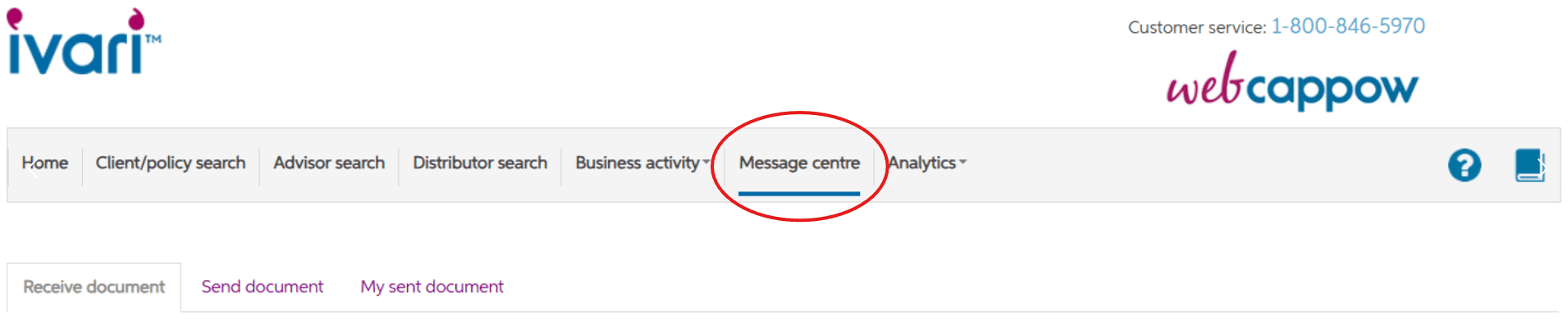
Launching October 20, 2025, the new Message centre replaces the existing version on ivari.ca under “For my business” and will now be found on webcappow.
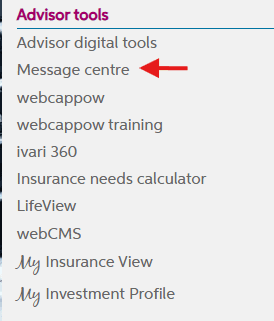
The old Message centre will be discontinued on November 3, and you must download any files from it by November 5 to avoid losing access to them.
This new centralized hub allows two-way communication and a more intuitive document exchange process. Simply log in to webcappow to access messages and documents securely.
Key features:

Receive Document tab: Used for sending secure, specific correspondence to you from ivari (e.g., correspondence that Customer Service or other areas may send to you directly.)

Note: This does not include automated inforce letters. eDocuments remain downloadable for 5 weeks from the send date and are accessible any time from webcappow.
Send Document tab: This tab functions the same way as the current Send document tool on ivari.ca, allowing for direct secure uploads to ivari specifying the request and policy number.
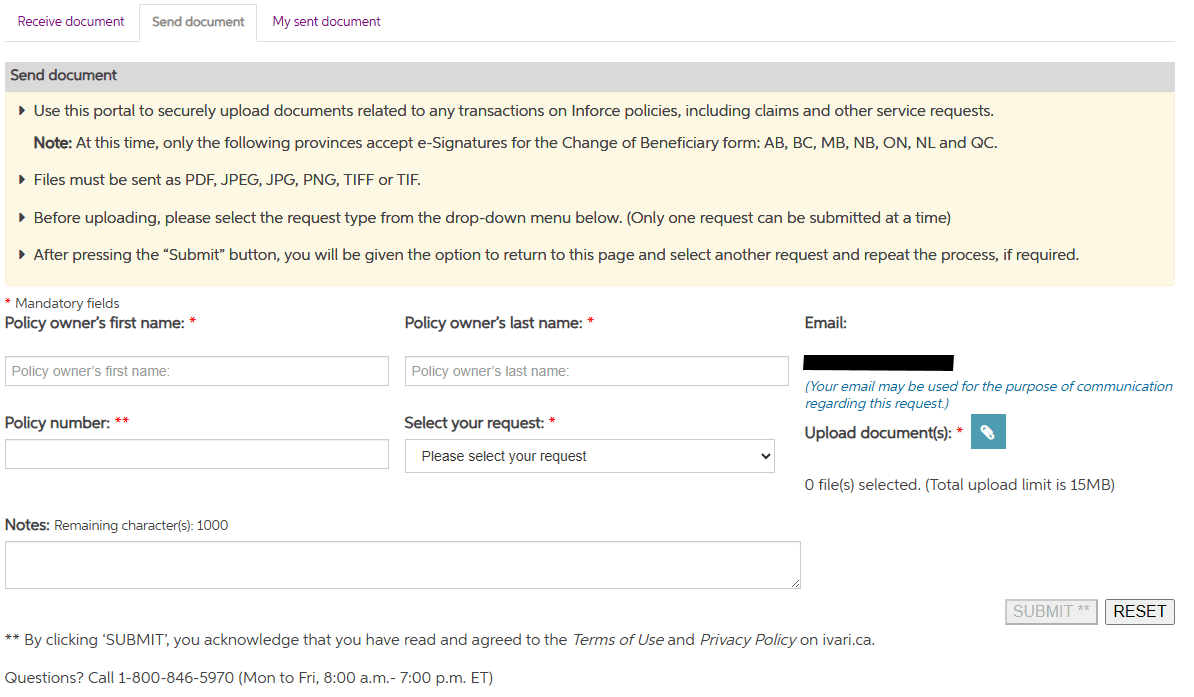
My Sent Document tab: Displays a history of the documents you have sent to ivari using the Send Document tab.

You will receive email notifications when new documents are available for download, with a link directing you to the Message centre on webcappow where you can retrieve the file.
Important note: Similar Message centre portals are also launching for clients registered with My ivari, as well as unregistered clients.

We strongly encourage you to introduce My ivari to your clients so they can benefit from this secure document exchange and other features.
New Interactive Dashboards
Also launching in October, we are implementing a completely new feature called Interactive Dashboards, designed to help you proactively manage your inforce business with specific focus on policies that may require, or will soon require, your attention.
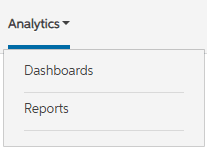
Located under the new Analytics tab, these dashboards will be combined with the existing “Reports” tab under Analytics.
Three dashboards available:

1. Renewal dashboard: View your client policies that have upcoming renewal dates in a table/graph. Interactive charts allow filtering by timeframes (e.g., filtering policies that are renewing in the next seven days by clicking that bar on the graph).
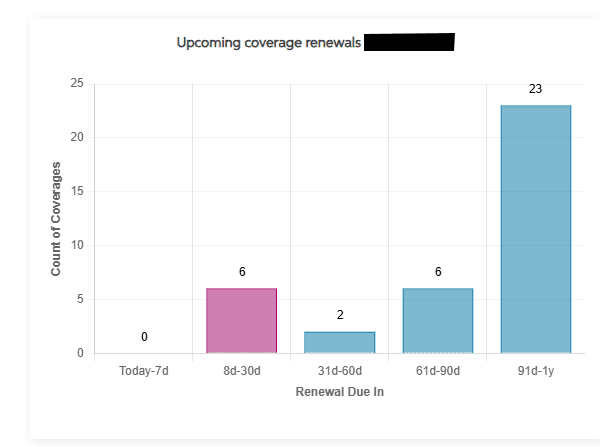
2. Conversion expiry dashboard: Track your client policies with upcoming conversion expiry dates (e.g., the last day that policy can be converted to an eligible product based on the contract, such as Term to UL). Also offers clickable, interactive graphs to help you isolate specific information (e.g., filtering policies that have conversion expiry dates in the next seven days by clicking that bar on the graph).
3. Overdue & Shortage dashboard: Quickly identify your client policies with overdue premiums (Term, whole life, permanent) or those policies that are in shortage (UL). Note: This does not replace the Overdue and Shortage “Report”.
We highly recommend interacting with these dashboards to see how you can improve client service and enhance the management of your business.
To help you navigate these two new features in webcappow, please refer to our job aid.
Published on: October 9, 2025